Free Adobe After Effects Cheat Sheet – Speed Up Your Workflow
If you’ve spent any serious time inside Adobe After Effects, you already know this truth: speed equals freedom.
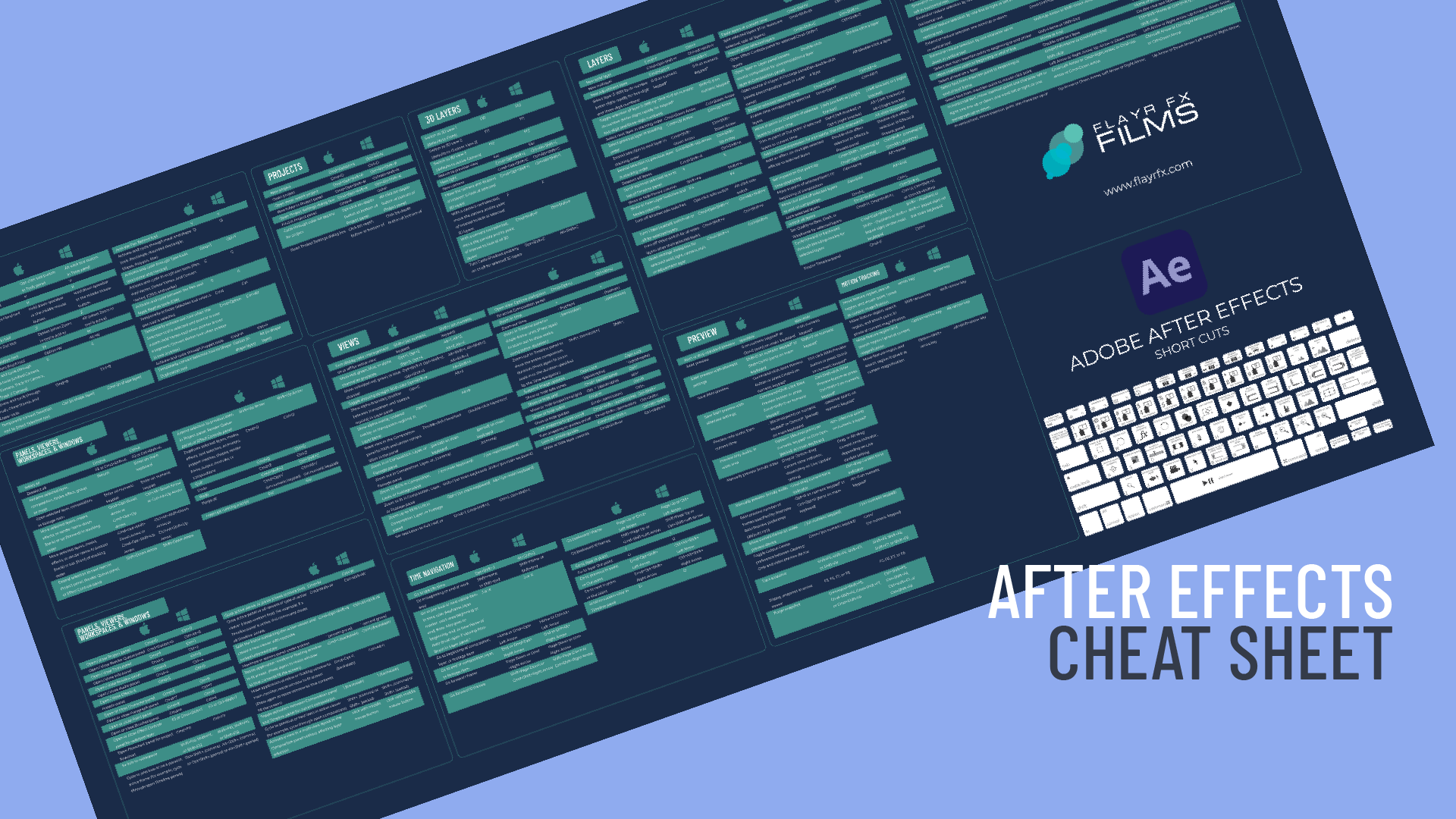
The faster you can move around the timeline, reveal properties, preview animations, and build compositions, the more headspace you have for creativity. That’s exactly why I’ve put together a free Adobe After Effects cheat sheet, packed with the most useful keyboard shortcuts I rely on every day.
Whether you’re a motion designer, editor, animator, or content creator, this cheat sheet is designed to help you work smarter, faster, and with fewer interruptions.
Why Keyboard Shortcuts Matter in After Effects
After Effects is an incredibly powerful tool, but it’s also deep, layered, and menu-heavy. Reaching for the mouse constantly breaks flow and slows you down.
Keyboard shortcuts help you:
🚀 Work faster on tight deadlines
🧠 Stay focused in creative flow
🎬 Navigate timelines and layers effortlessly
✂️ Animate, preview, and refine with confidence
Once shortcuts become muscle memory, After Effects stops feeling technical and starts feeling intuitive.
What’s Inside the Free ADOBE AFTER EFFECTS Cheat Sheet?
This isn’t an overwhelming wall of shortcuts you’ll never remember. I’ve curated the most practical, everyday shortcuts you’ll actually use.
The cheat sheet includes:
Timeline & Layer Shortcuts – reveal properties, trim layers, jump through frames
Animation Essentials – keyframes, easing, graph editor access
Preview & Playback Controls – RAM previews, frame-by-frame navigation
View & Workspace Tools – zooming, panning, fit-to-screen
Workflow Boosters – shortcuts that genuinely save time
It’s designed to be clean, printable, and easy to reference while you work.
Who This FREE ADOBE AFTER EFFECTS Cheat Sheet Is For
🎥 Editors moving into motion graphics
🎨 Designers learning animation
🎞 Freelancers working faster under pressure
📚 Students and self-taught creatives
🧠 Anyone tired of Googling shortcuts mid-project
If you use After Effects more than occasionally, this will pay for itself in time saved, and it’s completely free.
Download the Free After Effects Cheat Sheet
👉 [Download the Free Cheat Sheet]




Leave a comment
You must be logged in to post a comment.