Color Picker Online Free

Pro Color Picker

The Art of the Sample: Mastering Color Picker ONLINE FREE TOOLS in Creative Design

Whether you’re a UI designer building a brand identity, a digital illustrator setting a mood, or a motion graphics artist matching a client’s logo, the color picker online free tool is likely your most-used tool. It’s the bridge between the infinite spectrum of light and the precise data needed for digital production.

But sampling colour is more than just clicking a pretty spot on a map. It’s about understanding how colour spaces work and how to translate a visual “vibe” into technical reality.


Understanding the Creative Canvas

In the world of design, we rarely think in terms of “Red + Green + Blue.” Instead, we think in terms of feel. This is why professional-grade color pickers utilize the HSV (Hue, Saturation, Value) or HSB (Brightness) model.

By separating the “what” (Hue) from the “how much” (Saturation) and the “how bright” (Value), designers can make more intentional choices:

  • Hue: Selecting the base identity of the colour.

  • Saturation: Determining if a colour is a vibrant “pop” or a muted, sophisticated neutral.

  • Value: Managing the “weight” and contrast of a colour within a composition.


How Sampling Works: From Screen to Code

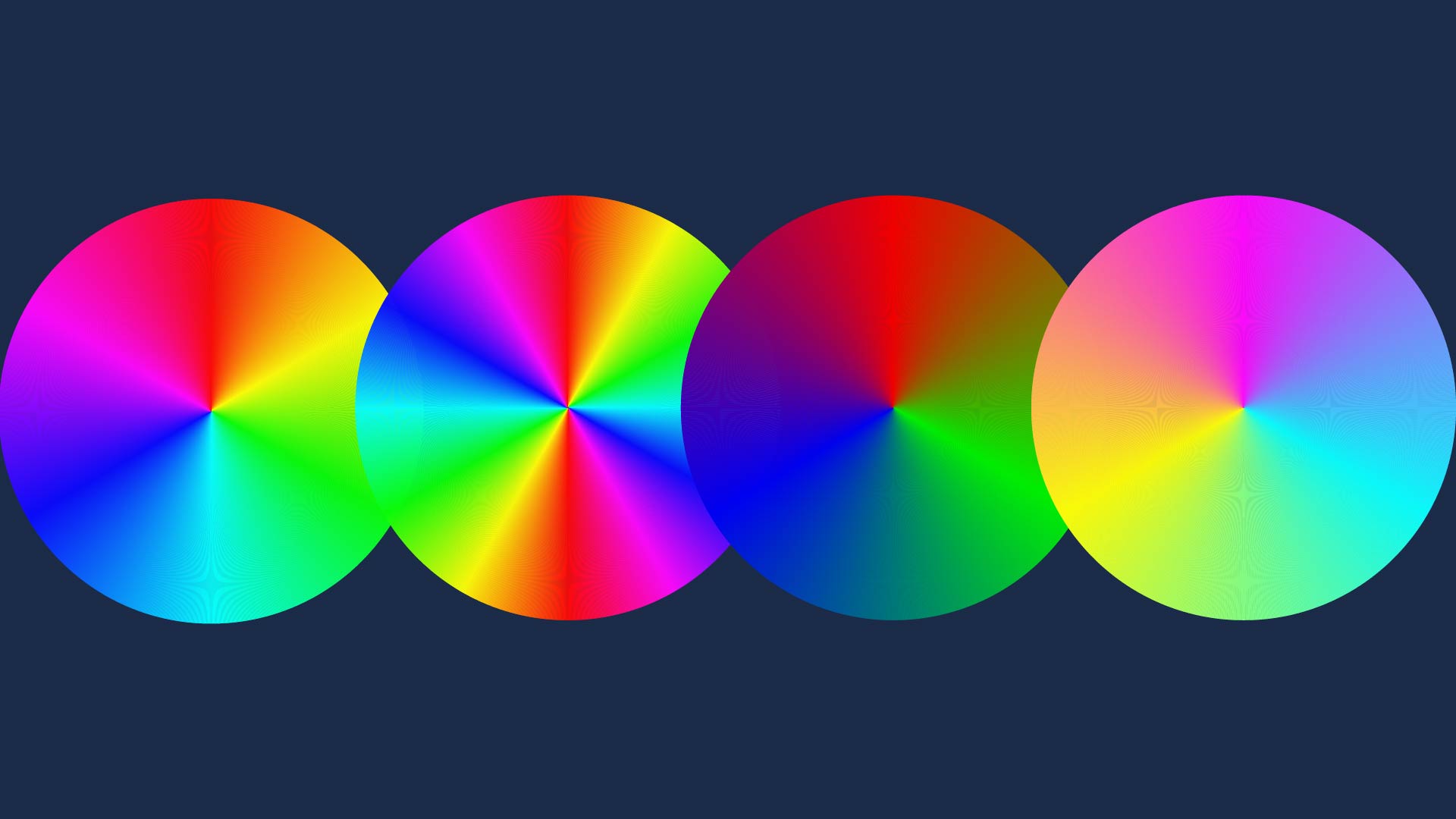
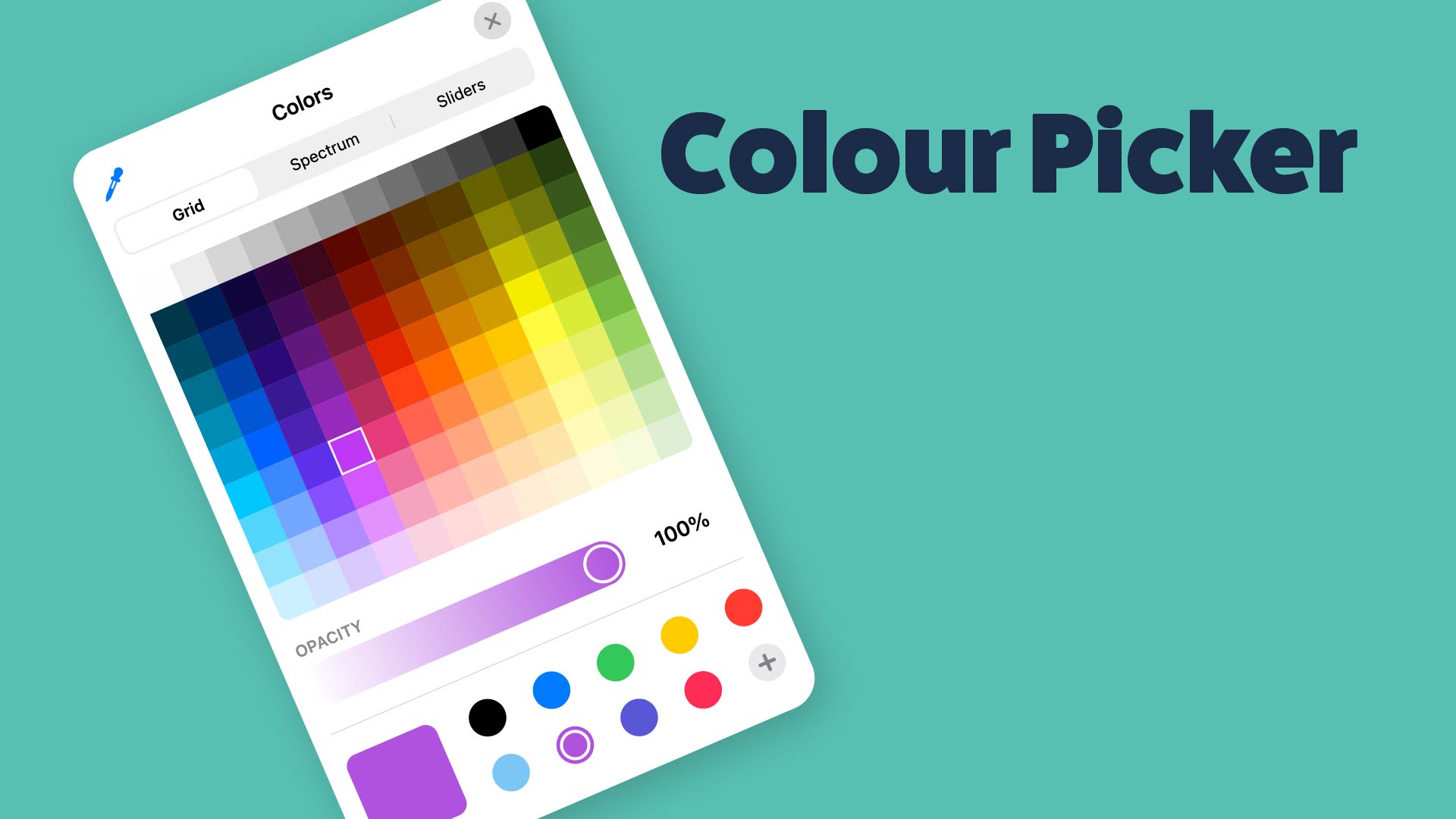
When you use a custom colour picker online free tool, you are essentially “interrogating” a coordinate system. In a digital tool, this usually happens on a two-dimensional plane (the Sat/Val Square) controlled by a one-dimensional anchor (the Hue Slider).

  1. The Hue Strip: Acts as your compass, rotating through the 360-degree colour wheel.

  2. The Gradient Plane: Maps out the intensity. The top-right is usually the “purest” version of a colour, while moving left introduces white (tinting) and moving down introduces black (shading).

  3. The Pixel Read: Behind the scenes, the tool looks at the specific pixel coordinates and extracts the data (the “DNA” of that colour) so it can be translated into various formats.


color picker online free

color picker The Language of Colour: HEX, RGB, and Beyond

Sampling a colour is only the first half of the job; the second half is communicating that colour to your medium.

  • HEX Codes: The shorthand of the web. These six-digit alphanumeric strings (like #FF5733) are the industry standard for CSS and digital mockups.

  • RGB (): Crucial for screen-based media, representing the physical intensity of the red, green, and blue sub-pixels on a monitor.

  • CMYK: Essential if your creative project is headed for a physical printer, where colour is created by subtracting light via ink.


Pro-Tips for Accurate Sampling

  • Mind the Lighting: If you are sampling from a photograph, remember that “local colour” (the actual colour of an object) is often different from “perceived colour” due to shadows and highlights.

  • Consistency is Key: Use your color picker online free tool to create a swatch library. Sampling a fresh colour every time leads to “colour bleed,” where a design looks messy because it has 50 slightly different shades of “Navy Blue.”

  • Contrast Awareness: Always check the “Value” of your sampled colours. Two colours might have different Hues but the same Value, making them vibrate unpleasantly or disappear when viewed by someone with colour blindness.


IMAGE SAMPLERS

POPULAR COLOR PICKERS

COLOR PICKER (MAC APP)

Download this brilliant color picker app by Patrick Thomas Chamelo, available on the Mac App Store: https://apps.apple.com/gb/app/color-picker/id641027709?mt=12

The Power of Precision

A custom colour picker online free tool isn’t just a utility; it’s a creative decision-making engine. By mastering the relationship between the visual spectrum and the technical output, you move from “guessing” a colour to “curating” a palette.

Jamie Steedman
Follow me
Leave a comment