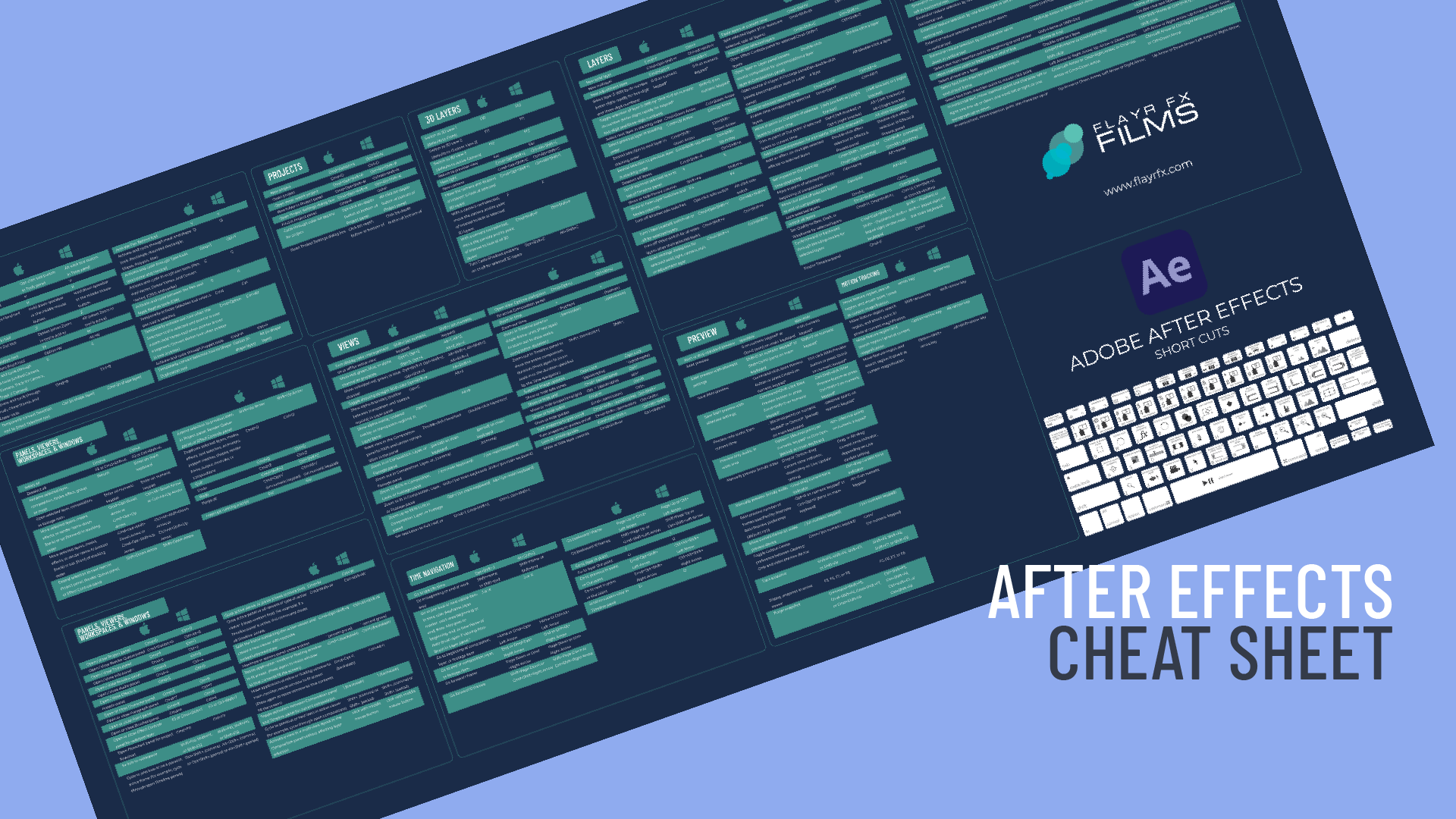
Adobe After Effects Cheat Sheet Featured Image

Free Adobe After Effects Cheat Sheet

Free Adobe After Effects Cheat Sheet – Speed Up Your Workflow 

If you’ve spent any serious time inside Adobe After Effects, you already know this truth: speed equals freedom.

The faster you can move around the timeline, reveal properties, preview animations, and build compositions, the more headspace you have for creativity. That’s exactly why I’ve put together a free Adobe After Effects cheat sheet, packed with the most useful keyboard shortcuts I rely on every day.

Whether you’re a motion designer, editor, animator, or content creator, this cheat sheet is designed to help you work smarter, faster, and with fewer interruptions.


Why Keyboard Shortcuts Matter in After Effects

After Effects is an incredibly powerful tool, but it’s also deep, layered, and menu-heavy. Reaching for the mouse constantly breaks flow and slows you down.

Keyboard shortcuts help you:

  • 🚀 Work faster on tight deadlines

  • 🧠 Stay focused in creative flow

  • 🎬 Navigate timelines and layers effortlessly

  • ✂️ Animate, preview, and refine with confidence

Once shortcuts become muscle memory, After Effects stops feeling technical and starts feeling intuitive.


What’s Inside the Free ADOBE AFTER EFFECTS Cheat Sheet?

This isn’t an overwhelming wall of shortcuts you’ll never remember. I’ve curated the most practical, everyday shortcuts you’ll actually use.

The cheat sheet includes:

  • Timeline & Layer Shortcuts – reveal properties, trim layers, jump through frames

  • Animation Essentials – keyframes, easing, graph editor access

  • Preview & Playback Controls – RAM previews, frame-by-frame navigation

  • View & Workspace Tools – zooming, panning, fit-to-screen

  • Workflow Boosters – shortcuts that genuinely save time

It’s designed to be clean, printable, and easy to reference while you work.


Who This FREE ADOBE AFTER EFFECTS Cheat Sheet Is For
  • 🎥 Editors moving into motion graphics

  • 🎨 Designers learning animation

  • 🎞 Freelancers working faster under pressure

  • 📚 Students and self-taught creatives

  • 🧠 Anyone tired of Googling shortcuts mid-project

If you use After Effects more than occasionally, this will pay for itself in time saved, and it’s completely free.


Download the Free After Effects Cheat Sheet

👉 [Download the Free Cheat Sheet]

free adobe after effects cheat sheet
sarath p raj | unsplash

Learning keyboard shortcuts is one of the fastest ways to improve efficiency in Adobe After Effects, and a free after effects cheat sheet can be an incredibly useful tool for both beginners and experienced editors.

Instead of constantly navigating through menus, a cheat sheet gives you a quick reference for the most important commands, helping you perform common tasks such as trimming layers, adjusting keyframes, or previewing compositions much faster.

Keeping a free after effects cheat sheet nearby allows you to gradually memorise shortcuts through regular use, which can significantly speed up your workflow over time.

A free after effects cheat sheet is also helpful because it highlights shortcuts that many users might not even realise exist. After Effects contains hundreds of commands, and learning them all through trial and error can take years.

A well-designed cheat sheet groups shortcuts by function, such as timeline navigation, layer controls, or animation tools, making it easier to discover new ways of working. This can reduce repetitive actions and help you focus more on creativity rather than technical navigation.

Another benefit of using a free after effects cheat sheet is that it can improve consistency and confidence when working on projects. When you know the fastest way to access tools and features, you spend less time searching and more time refining animations, effects, and compositions.

Over time, regularly using a cheat sheet can transform how you work in After Effects, helping you build professional editing habits and making the entire motion graphics process smoother and more productive.


If you find it useful, feel free to share it with another editor or motion designer who’s still digging through menus.


And if you’d like more resources like this, from motion graphics tips to video strategy and storytelling, keep an eye on the blog.

The original sheet that this one I designed was based on was created in 2015 by Jamie Spencer and can found on this link:

https://makeawebsitehub.com/2015-adobe-after-effects-keyboard-shortcuts-cheat-sheet/

Jamie Steedman
Follow me
Leave a comment